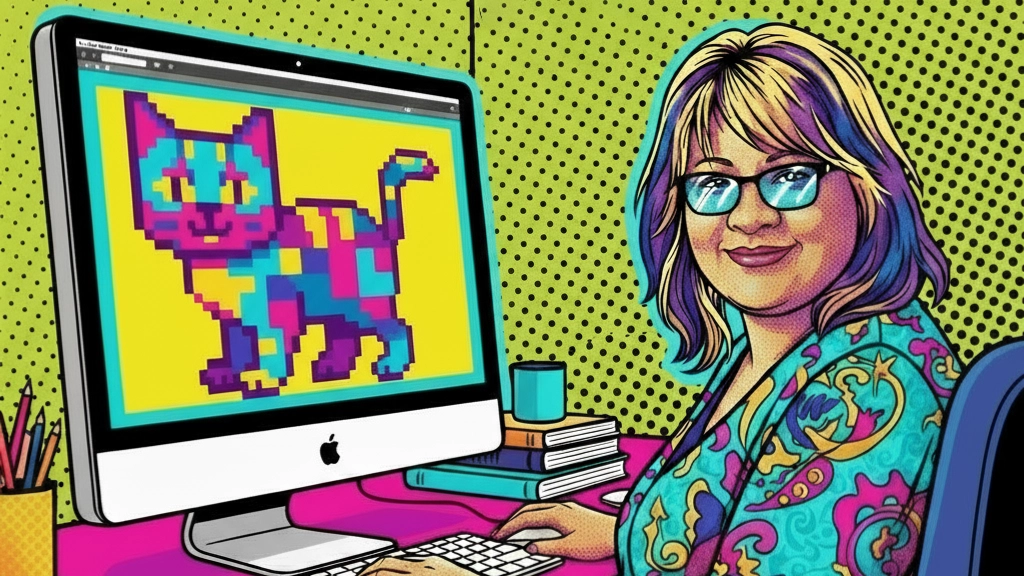
I learned to design by hand: paint, ink and brushes, years of it, long before a computer entered the process. When Photoshop and digital tools arrived, I was one of the first designers in Latin America to bring them into my work.
Plenty of people said it wasn’t real design anymore, that a computer had done the work instead of the designer. What they missed was that years of handling real paint and real brushes were still there, guiding every decision on screen. The tool changed. The eye and the judgement behind it didn’t.
I remember what that dismissal felt like. It’s part of why I’m careful not to hand it out now, decades later, watching a similar argument play out over AI.
That comparison isn’t perfect though, and it’s worth being honest about where it breaks down. Back then, it was trained designers moving from one set of tools to another. The training was still there either way, just applied to a new medium. What’s happening with AI is different: people with no design training at all can now produce commercial-looking work in minutes. That’s not a criticism, it’s just a real gap, and naming it honestly is what makes curiosity and support more useful than judgement, not less.
Photoshop was expensive though, and mostly out of reach for anyone who wasn’t already working in the industry. It took Canva to really open design up to people with no training at all, and design had its first proper taste of this argument years before AI ever entered the picture. For a long time, “looks like it was made in Canva” was considered the ultimate insult among designers, even as it gave millions of people access to tools they’d never had before.
AI is the next step in that same shift. Some tools are free to try, though most serious use comes with a subscription or a token system once you go past a certain number of generations. Either way, the entry cost is far lower than Photoshop ever was, and that’s the real difference.
People have strong opinions about AI. Some love it, some don’t, and both views are valid.
AI is now built into most of the software businesses use every day. That’s not really up for debate anymore. What I want to talk about here is narrower: AI used to create logos and branded graphics, and what happens next.
It’s not my place to judge the tools you use
If AI helps someone get started, market their business or work faster, that’s their decision to make. Not mine.
Where I fit into this
At the time of writing this, 2026, I’ve spent 40 years in design, working across print, branding and digital platforms. These days, that includes helping clients turn AI-generated concepts into production-ready files. It’s a natural part of the craft, not a departure from it.
What AI can and can’t do
AI tools are good at generating ideas quickly: a logo concept, a social tile, a rough layout. Most of the time, what they don’t do is produce a file that’s ready to print, or a website asset that works properly across every screen. Of course, there are exceptions. Getting a usable file is still a different skill.
Creating usable print files
Most people have never heard of a vector file, and there’s no reason they should have. But it’s the difference between a logo that scales cleanly onto a billboard and one that turns blurry the moment it’s enlarged.
Vector files are built from mathematical paths, not pixels, so they resize to any dimension without losing quality.
Bitmap files, like JPEGs and PNGs, are a fixed grid of pixels, sharp at their original size, but they degrade the moment you scale them up. A vector file can always be exported as a JPEG or PNG when you need one, that direction is easy. Going the other way, turning a flat image into a genuine vector, is the hard part, and usually means rebuilding the artwork rather than simply converting the file.
Knowing which format a job actually needs, and which software handles it properly, is its own skill. Getting a brand to work across a website, business cards, signage and packaging means moving the same logo between formats correctly, at the right resolution, in the right colour mode, every time.
Resolution trips people up just as often. A file that looks sharp on a phone screen can print blurry at a larger size if the DPI isn’t right for the job. I’ve written about this in more detail in Understanding Image Resolution and DPI, if you want to see why this catches so many people out.
Most AI image tools, including Midjourney, ChatGPT and Gemini, only output flat raster images, which is where this problem usually starts. There are exceptions: newer tools like Recraft can generate genuine vector files directly, and it’s one I use myself. Even then, I still treat the result as a strong first draft rather than a finished file, and expect to clean it up in Illustrator or Figma before it’s ready for production.
Design isn’t a commodity
Professional fees reflect training, experience and time, the same as any other service-based industry. Sometimes a new business needs marketing material before there’s a budget for a designer. That’s a genuine catch-22, and it deserves compassion, not a hard line.
If you want to have a go
If budget isn’t the issue, and someone wants to have a go themselves because they enjoy the creative side, that’s fine too. Design isn’t brain surgery. No one is going to die if the result looks a bit off-brand. The worst outcome is looking busy and cluttered, and getting it back to something intentional again takes an experienced eye.
The real cost, and why some people live with it

There’s a name for this now: AI slop. It’s the term people use for marketing that was made fast, without much thought behind it, and it shows.
Brush-stroke text backgrounds on every second graphic, oddly smooth food, the same gradient on every AI-built website. People notice, and some will say so.
Food is where this matters most. If a menu photo looks nothing like what actually lands on the table, that gap becomes the story customers tell. It’s a harder thing to recover from than a design that just looks a bit generic, because it damages trust directly rather than just style.
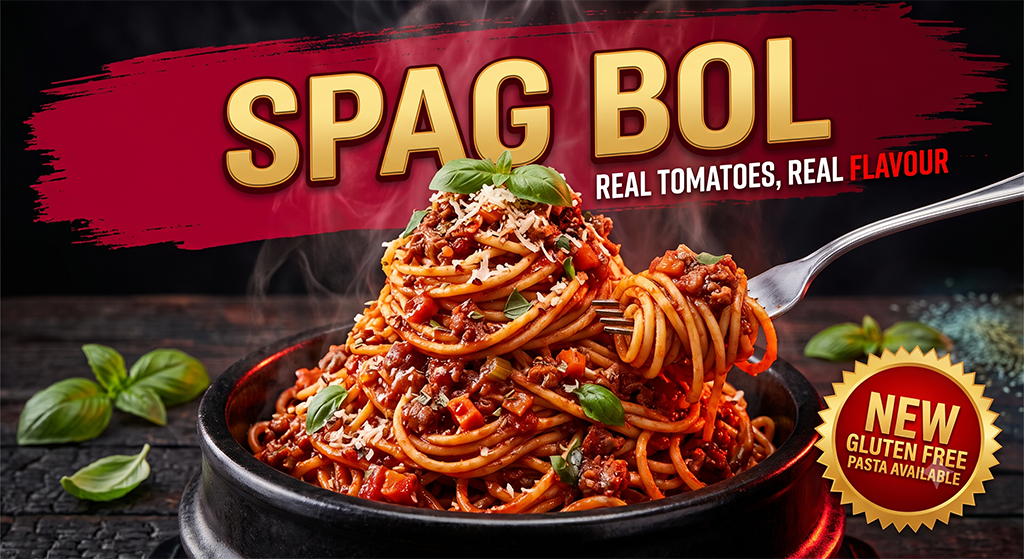
For plenty of business owners, the general look is a trade-off they’re happy to live with, especially if the alternative is no marketing at all. The food mismatch is a different problem, and worth treating separately.
Is your time best spent here?
It’s worth asking a harder question, too. If hours go into tweaking prompts and adjusting AI output, is that time well spent? Every hour spent wrestling with a design tool is an hour not spent on the work the business is actually built around. That’s not a judgement. It’s a genuine question worth sitting with before deciding how to spend your time.
Keeping the look consistent
One AI-generated flyer or social tile can look fine on its own. The problem shows up across a website, signage, packaging and print, when each new asset is built without a shared system for colour, type and spacing. The brand starts looking assembled rather than designed.
This is where learning a few design principles goes a long way: consistent colours, one or two fonts, clear spacing rules. Building a simple brand kit in a tool like Canva or Claude Design, and sticking to it, keeps every new piece looking like it belongs to the same business, even when AI does part of the work.
The logo is a special case
Logos need one extra layer of care. AI tools are trained on existing work, so a generated logo can end up closer to someone else’s trademark than the business owner realises. Before investing further in an AI-generated concept, it’s worth running a trademark search through IP Australia.
I’ve seen this cost real time. A client came to me after weeks spent refining a logo concept through ChatGPT, only to find the file wasn’t usable for print and the mark itself couldn’t be trademarked. All that time went into a concept that had to start again from scratch, when a trademark check at the start would have caught it in minutes.
First impressions matter most for service businesses
For referral-led businesses, a first-time visitor decides how much to trust you within seconds of landing on a site or seeing a flyer. A generic or slightly-off look can quietly cost that trust before anyone reads what the business actually does. That matters more for a service business, where the sale rests on trust, than it does for a product business.
Curiosity over criticism
This industry is moving fast, and fast change tends to bring out sharp opinions. Curiosity works better than criticism. If you’re a designer, that means asking what someone’s trying to achieve, then helping them get there.
Most business owners creating their own marketing haven’t had design training. That’s simply a gap, not a flaw. Those of us who do have that training are in a good position to share it generously, the way any experienced person can help someone newer to a skill.
That’s what this moment calls for: people with different knowledge, helping each other work out a genuinely new way of doing things.
Where this leaves us
I think about that first computer sometimes, and the designers who said it wasn’t real design. They were wrong about the tool, though not entirely wrong to feel unsettled. Change does that, even when it turns out fine.
If you’ve been quietly experimenting with AI and wondering whether it’s good enough, you’re standing roughly where I stood: paintbrush still in hand, working out what a new tool can actually do for you.
Good design has always adapted to new tools. This is just the next one.
Who actually gets to decide what counts as good design? My eye is trained, but it’s still one eye. What looks messy or off-brand to me might be hours of careful, proud work to someone else, prompt after prompt, until it finally felt right to them. That’s worth remembering before anyone, myself included, calls something a mess.
I’m not going to tell you AI is wrong for creating your logo or branded graphics. I’d rather look at what you’ve made and make it work properly.
If you’d like a second opinion on where you’ve landed, my door’s open. Just someone who’s stood where you’re standing.
Related reading: The Problem with AI, where I go deeper into how these tools are actually trained, and what that means for artists and designers.